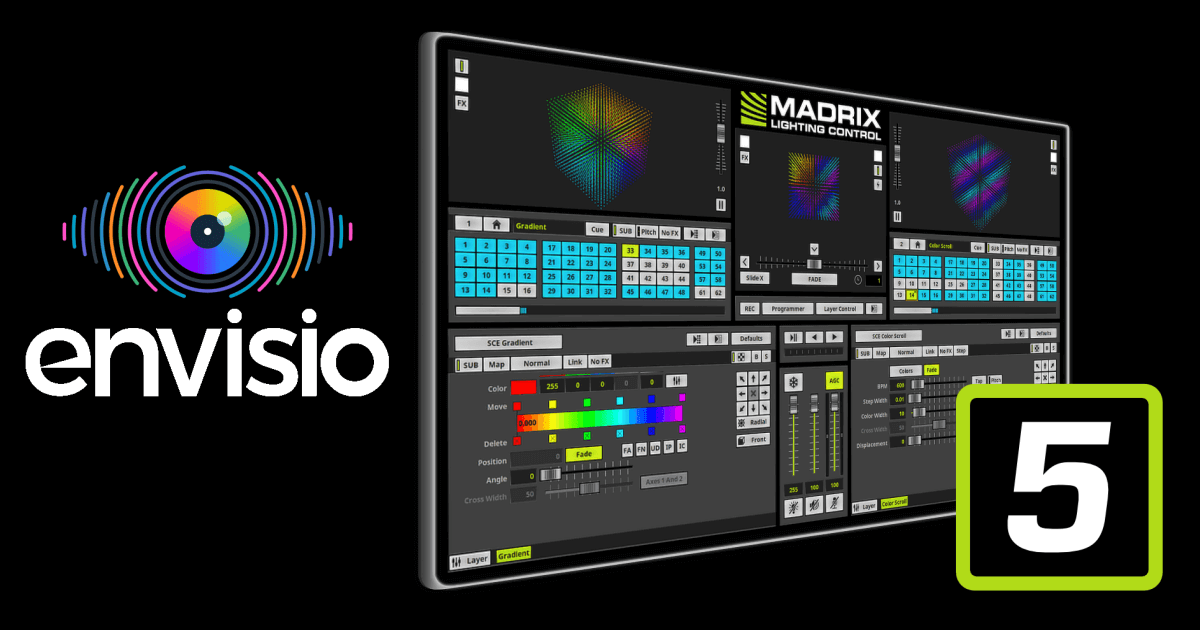
Madrix Software : Ultimate Lighting Control

Overview

If you’re looking to create mesmerizing LED light shows, whether for a concert, an architectural installation, or an art exhibit, Madrix 5 is the best in lighting control software. This powerful, user-friendly light controlling software transforms your computer into a dynamic lighting console, capable of managing everything from simple setups to intricate 2D and 3D pixel mapping displays. In this blog post, we’ll explore what makes Madrix 5 a must-have for lighting professionals and enthusiasts alike, diving into its features, licensing options, hardware integration, and more.

Back to Top

What is Madrix 5?

Madrix software version 5 is a comprehensive LED lighting control software designed for both beginners and seasoned professionals. It combines an effects generator, a graphics rendering engine, and media server capabilities to create stunning, real-time visuals. From static color fades to complex patterns, graphics, and even video content, Madrix 5 gives you the tools to bring your creative vision to life.

One of its standout features is its ability to handle 2D pixel mapping and 3D voxel mapping, allowing you to control individual LEDs, pixels, or volumetric pixels, voxels, to create complex visuals, text, or videos across multiple surfaces and dimensions.

Back to Top

Key Applications of Madrix 5

  • Architectural Lighting: Illuminate buildings, bridges, or landmarks with dynamic, programmable effects.
  • Entertainment & Events: Create captivating light shows for concerts, clubs, theaters, or festivals.
  • Art Installations: Design interactive, immersive displays for museums or public spaces.
  • Decorative Lighting: Enhance restaurants, retail spaces, or home interiors with unique, thematic lighting.

Back to Top

A User Friendly Manual for All Skill Levels

Madrix lighting control software version 5 comes with an extensive user manual that’s designed to help you master every aspect of the software, whether you’re a beginner or a pro. The manual is well organized and covers:

  • Getting Started: A 5 step quick start guide to get you up and running, including system requirements and installation.
  • User Interface, GUI: A breakdown of the intuitive interface, featuring a dual deck, A and B, and crossfader layout inspired by DJ setups.
  • Using the Software: Detailed instructions on patching, fixture groups, color management, and a vast library of built in effects like Static Color Effects, SCE, Sound2Light, S2L, and Music2Light, M2L.
  • Hardware & Connectivity: Guidance on supported hardware interfaces and protocols, including Madrix products and third party devices.

Back to Top

Madrix 5 License Options

  • Start: 1,024 DMX channels, 2 universes, and 16,384 DVI voxels.
  • Entry: 6,144 DMX channels, 12 universes, and 262,144 DVI pixels.
  • Basic: 16,384 DMX channels, 32 universes, and 1,048,576 DVI pixels.
  • Professional: 65,536 DMX channels, 128 universes, and 2,097,152 DVI pixels.
  • Ultimate: 262,144 DMX channels, 512 universes, and 2,097,152 DVI pixels.
  • Maximum: 1,048,576 DMX channels, 2,048 universes, and 2,097,152 DVI pixels.

Back to Top

Seamless Hardware Integration

  • Madrix Aura: Stand alone recorder and playback for 2, 8, or 32 universes.
  • Madrix Luna: Network node for DMX512 over Ethernet, 4, 8, or 16 port.
  • Madrix Nebula: SPI decoder for digital LEDs, Ethernet or USB control.
  • Madrix Stella: 2 port node with RDM, converts Art Net or sACN to DMX512.
  • Madrix Orion: Sensor input to DMX for interactivity.

Back to Top

Where to Get Madrix 5 in the UK

If you are in the UK, you can purchase Madrix 5 software and hardware from specialist lighting and audio suppliers.

Back to Top

Why Choose Madrix 5

Madrix 5 stands out for power, flexibility, and ease of use. Whether you are illuminating a skyscraper, designing a festival light show, or creating an interactive art installation, Madrix 5 gives you the tools to make it happen.

Ready to light up your next project Explore Madrix 5 and take your LED designs to the next level.

Back to Top

Documentation

If you are looking to the Madrix 5 user manual, feel free to get one at envisio.

Back to Top

Recent Posts

ALL TIME PAGE VIEWS: 73

This page was last updated on 18 September 2025 by u/WebsiteCatalyst.

If you have any questions, try our FAQ.