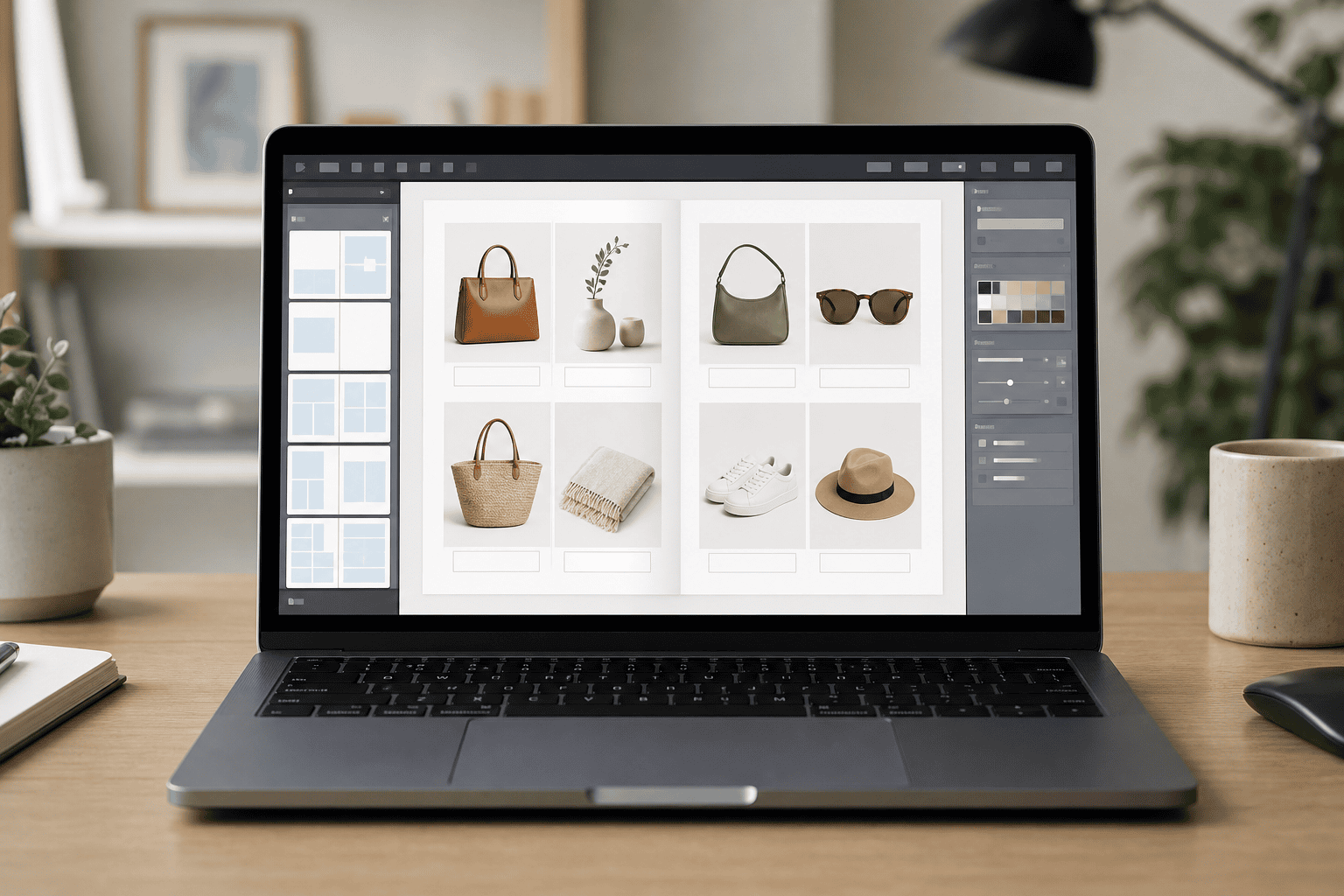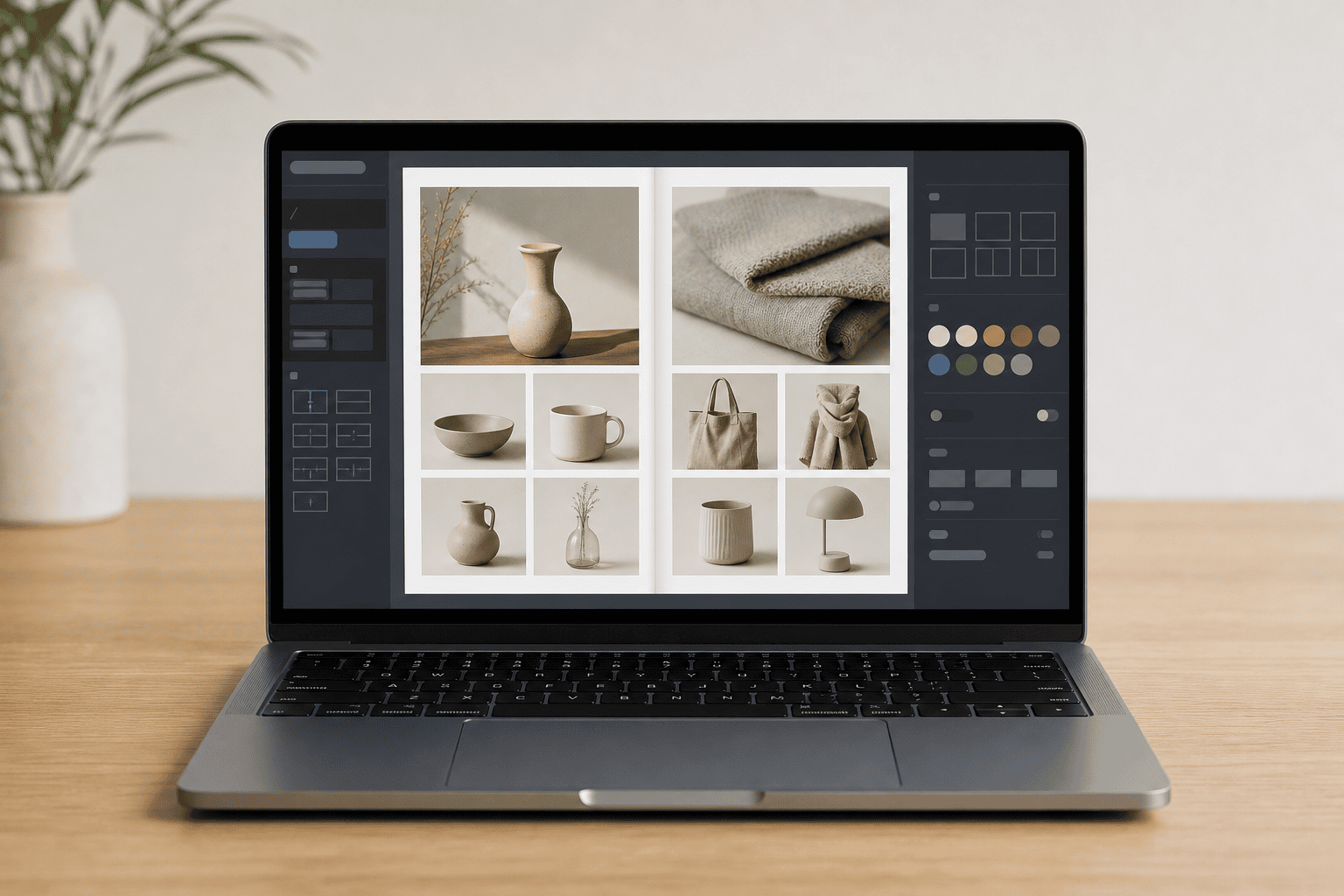
Laptop on a wooden desk showing an online catalog maker dashboard with product cards, swatches, and layout tools.

What an Online Catalog Maker Does

A wholesale distributor sends the same 48-page product PDF to every new buyer who asks for pricing. By the time the buyer opens it, two line items are discontinued, one price is wrong, and the distributor has no idea whether the file was ever read. An online catalog maker exists to fix exactly that kind of quiet, expensive gap, the one between a business having a catalog and that catalog actually doing something.

The shift matters because a modern digital catalog can be updated in place, tracked, embedded on a website, linked directly to checkout or a quote form, and partially gated so that the reader who wants the full version becomes a lead instead of an anonymous download.

Limits of the PDF Catalog

PDFs are not going away, and they shouldn't. They print cleanly, they attach to emails, and buyers who have used them for twenty years still open them without complaint. For a roofing supplier handing a product sheet to a contractor at a counter, a PDF is often the right tool.

The limits show up once the catalog has to live online. A PDF is a frozen snapshot. When a furniture retailer swaps out a fabric line, the file has to be re-exported and re-uploaded. When a wholesale distributor changes bulk pricing, the old file keeps circulating in inboxes. There is no way to know who opened it, which pages held attention, or whether the reader clicked anything, because a flat PDF has nothing to click.

That gap affects almost every business that sells more than a handful of products or services: retailers, wholesalers, contractors, manufacturers, equipment suppliers, landscapers, and agencies offering tiered service packages. The catalog still gets made. It just stops producing information once it leaves the building.

What a Catalog Maker Changes

A digital catalog maker turns that static file into something closer to a small website. Readers view it in a browser on a phone or laptop, flip through pages, search for a product, tap a link, watch an embedded video, and reach a checkout page or a quote form without leaving the catalog.

The practical change is the shortened distance between interest and action. A retail catalog can link each product image to its own product page, so a shopper who sees a lamp on page twelve can buy it in two taps. A wholesale catalog can link bulk SKUs to a quote request form that pre-fills the item code. A roofing contractor's catalog can tie a product section to a project gallery showing that material installed on real roofs, and a service-level section to an estimate form. A digital marketing agency's service catalog can embed a short case-study video next to each package tier.

None of this requires rebuilding the catalog from scratch. Most tools in this category accept an existing PDF or a product spreadsheet and layer the interactive elements on top.

Gating Catalogs for Lead Capture

Here is the move most businesses miss. A free online catalog maker, or a pdf to online catalog converter, lets you publish the first several pages openly and gate the rest behind an email form. The reader sees enough to know the catalog is real and relevant: a cover, a table of contents, a few product spreads, a pricing teaser, and then hits a prompt asking for an email address to see the remainder.

This is not a trick. The reader knows the trade. They are telling you, by typing their address, that they want the full document badly enough to identify themselves. That is a meaningfully stronger signal than an anonymous download, and it gives you something a plain PDF never does: a name attached to interest.

The measurement value compounds from there. Over a few months, gated requests reveal which product categories drive the most completed forms, which preview pages convert best, and which customer segments, contractors, retailers, homeowners, procurement staff, are actually asking. That data shapes follow-up emails, informs which products get featured next quarter, and gives a salesperson a reason to reach out that is not cold. A wholesale buyer who requested the full catalog last Tuesday is a different conversation than a name pulled from a list.

The follow-up itself does not have to be aggressive. A short email thanking the reader, pointing to two or three sections worth noting, and offering to answer questions is usually enough to start a real exchange.

Retail, Wholesale, and Service Uses

An online catalog maker for retail leans on visual merchandising. The catalog is a browsing experience: large images, clear categories, seasonal collections, and direct links to product pages or checkout. A furniture retailer or a boutique equipment supplier wants a shopper to drift through the pages the way they would drift through a store.

An online catalog maker for wholesale works differently. Buyers are not browsing for pleasure. They want bulk pricing tiers, SKU numbers, minimum order quantities, availability notes, and a fast path to a quote request. Inventory changes frequently, so the catalog has to update without a full re-export. A food distributor or a parts supplier benefits more from accurate data and quick quote links than from magazine-style layouts.

Service businesses sit in between. A roofer, a landscaper, or a digital marketing agency uses a catalog to show packages, pricing ranges, project galleries, case studies, and seasonal offers. The product is less tangible, so the catalog carries more of the trust-building weight. Photos of completed work, short descriptions of what each service includes, and a clear next step: book a visit, request an estimate, download the full menu, do most of the job.

Features, Free Tools, and Paid Tools

What to look for depends on what the catalog has to do. The common features worth checking in an online catalog maker are templates, PDF conversion, mobile-friendly viewing, lead capture forms, basic analytics, e-commerce links, branding controls, and, for larger inventories, CSV import so you can update hundreds of products from a spreadsheet instead of editing pages by hand.

A free tool is often enough for a small catalog, a portfolio-style lookbook, or a simple flipbook version of an existing PDF. A landscaper with twelve service packages or a boutique retailer with forty products does not need an enterprise platform. A catalog maker with templates can get them published in an afternoon.

Paid tools make more sense when the catalog grows past what one person can manage manually: a wholesale distributor with thousands of SKUs, a retailer syncing inventory from a store system, or any business that wants gated lead capture tied to analytics. A catalog maker with CSV import pays for itself the first time pricing changes across an entire product line and the update takes minutes instead of a day.

The mistakes that quietly reduce a catalog's value are usually the same ones. Uploading a PDF and calling it done, with no links or tracking. Designing the pages so heavily that product details get buried. Gating the preview too early, before the reader has seen anything worth trading an email for. Forgetting that most readers will open it on a phone. Letting pricing drift out of date. And, most commonly, collecting full-catalog email requests and then never following up.

A Practical Way to Start

The simplest path is to pick one goal first. More quote requests. More retail sales. Easier wholesale ordering. More email leads. Fewer hours spent updating a product sheet. The goal determines the tool, not the other way around.

From there, start small. Convert one section of an existing catalog, publish it, share it with a handful of real customers, and watch what happens. Which pages hold attention? Does the gated preview actually produce emails? Are the people requesting the full version the kind of buyers you want? A month of that data is worth more than a month of planning.

A good online catalog should do more than display products. It should move a reader from curiosity to a contact, a quote, a purchase, or an email conversation, and leave the business with enough information afterward to make the next version better than the last.

How Digital Catalogs Turn Readers into Leads

A catalog that lives online stops being a frozen file and starts behaving like a working surface, one that updates in place, tracks what readers do, and gives wholesalers, retailers, and service providers a measurable path from interest to contact. The gating approach described above, where a preview is open and the full document is traded for an email, works for the same reason other credibility signals work in digital marketing: the reader is identifying real intent. A backlink exchange catalog operates on a similar logic, matching known parties with specific needs rather than relying on anonymous traffic. In both cases, the catalog format earns its value by turning a passive document into a record of who asked, what they wanted, and when.

Online Catalog Maker Pricing Comparison

The table below compares online catalog maker costs across different Business Types, listed as rows, against each Pricing Tier, shown as columns. Each cell displays the typical monthly price range in USD that a given buyer segment can expect to pay at that tier. Readers can locate their row, then scan across to see how costs scale from Free through Enterprise plans.
Online Catalog Maker Prices
Business Type Free Plan Prices Basic Plan Prices Starter Plan Prices Professional Plan Prices Business Plan Prices Enterprise Plan Prices
Individual Creators $0 – $0 $10 – $20 $20 – $50 $40 – $80 $80 – $150 $150 – $300
Small Business Teams $0 – $0 $20 – $30 $30 – $60 $60 – $120 $120 – $200 $200 – $400
Marketing Teams $0 – $0 $20 – $40 $40 – $80 $80 – $150 $150 – $250 $250 – $500
Sales Teams $0 – $0 $20 – $40 $40 – $80 $80 – $150 $150 – $250 $250 – $500
Educational Organizations $0 – $0 $10 – $20 $20 – $40 $40 – $80 $80 – $150 $150 – $300
Nonprofit Organizations $0 – $0 $10 – $20 $20 – $40 $40 – $80 $80 – $150 $150 – $300
These prices are estimates aggregated from publicly available sources and reflect typical market ranges at the time of publication. Actual quotes can vary based on specific feature requirements, team size, billing cycle, location, and timing of purchase.

Online Catalog Maker Questions Answered

How to turn a product PDF into an interactive online catalog?

Online catalog makers accept an existing PDF or product spreadsheet and layer on interactive elements such as page flipping, search, embedded videos, and direct links to checkout or quote forms. The resulting flipbook runs in the browser and can be updated without re-exporting the source file.

How to link a product on a catalog page directly to checkout?

Retail catalogs link product images to individual pages or checkout, so a product shown on page twelve can be wired to its purchase destination. Wholesale catalogs instead link bulk SKUs to quote forms that pre-fill the relevant item codes.

How does partial gating in an online catalog capture leads?

Partial gating shows the cover, table of contents, a few product spreads, and a pricing teaser before prompting for an email address to view the rest, which attaches names to the collected requests. The risk is gating the preview too early, which can cut off readers before interest is established.

How to update a wholesale catalog when line items go out of date?

Browser-based flipbooks support updates without re-exporting files, which addresses the problem of a 48-page product PDF where line items become outdated once sent. CSV import allows updating hundreds of products from a spreadsheet rather than editing pages individually.

How to know if a customer actually opened a product PDF?

Static PDFs function as frozen snapshots that cannot record which pages hold attention or whether the file was opened. Online catalog makers include basic analytics that track reader engagement at the page level.

What features matter when choosing an online catalog maker?

Features to check include templates, PDF conversion, mobile-friendly viewing, lead capture forms, basic analytics, e-commerce links, branding controls, and CSV import for bulk product updates. Mobile-friendly viewing matters because readers may open the catalog on a phone.

How to embed videos inside a service catalog?

Service catalogs embed case-study videos next to package tiers so the supporting footage sits alongside the offer it relates to. This is one of the interactive elements layered onto the converted PDF.

How to test an online catalog before committing to a full rebuild?

A starting approach converts one section of an existing catalog, publishes it, and shares it with a handful of real customers. Observation then focuses on which pages hold attention and which produce form submissions.

Table of Contents

Recent Posts

Laptop on a clean desk showing an online catalog maker interface with product photo grid and editing panels.

Online Catalog Maker

Covers how hosted digital catalogs replace static PDFs, using gated previews for lead capture, interactive storytelling, domain hosting, and pricing visibility choices.

Read More »
Open wooden trunk holding hobby supplies like paintbrushes, yarn, camera, trowel, chess pieces, and harmonica.

All Hobbies List

An A to Z list of hobbies spanning creative, indoor, outdoor, cheap, and unusual options, plus notes on categories and choosing pursuits that fit real adult life.

Read More »
ALL TIME PAGE VIEWS: 6

This page was last updated on 22 May 2026 by WebsiteSquadron on X.

If you have any questions, try our FAQ.